

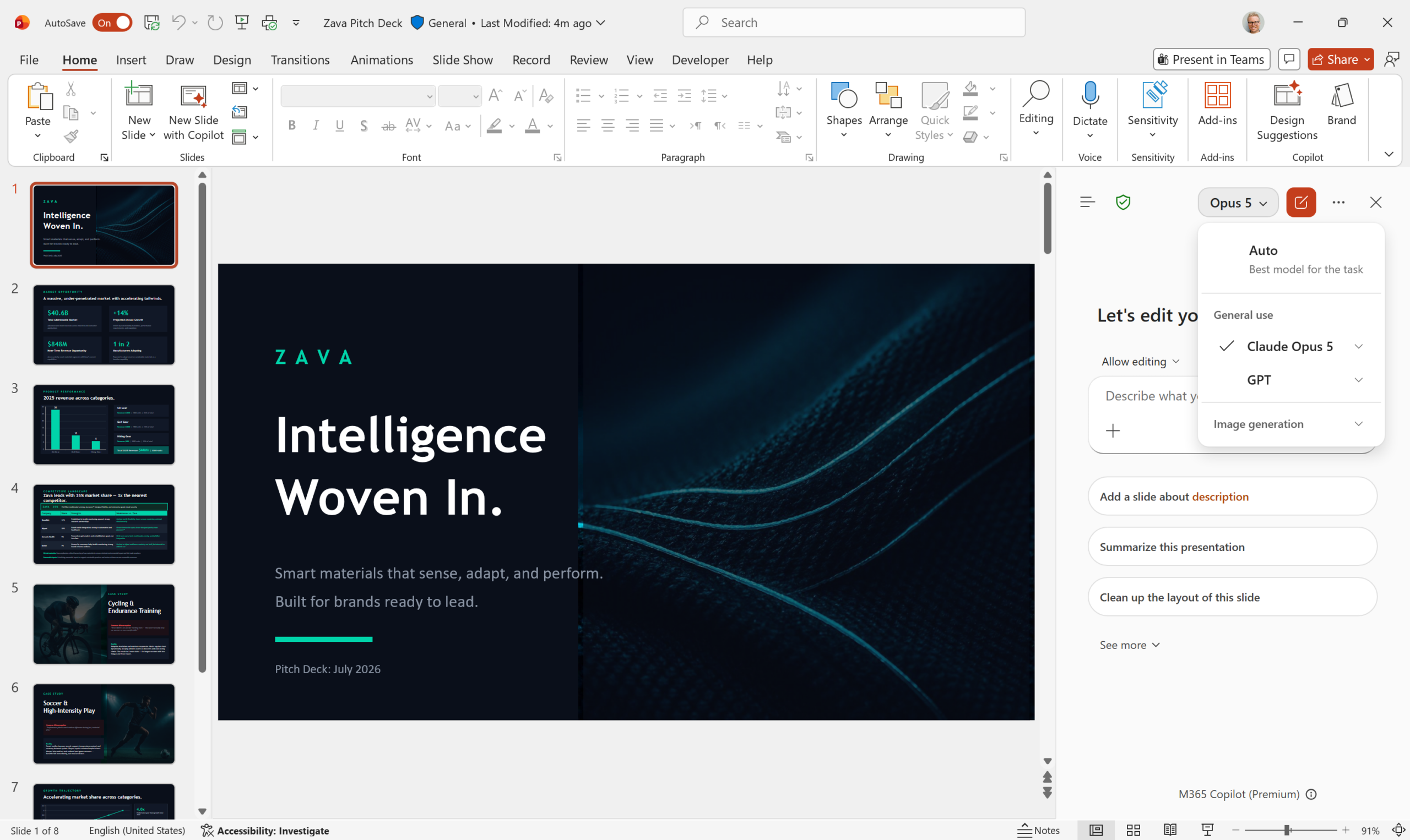
If your business runs on Microsoft 365, the Copilot your staff use has quietly changed. On 24 July Microsoft added Anthropic’s Claude Opus 5 to the model picker in Copilot across Word, Excel, PowerPoint, Copilot Chat, Copilot Cowork and Copilot Studio.
What actually changed
Copilot is no longer driven by a single AI model. Your staff can now pick which one handles a request, and Opus 5 is the newest option. Microsoft is aiming it at longer, multi-step jobs: a full draft in Word rather than a paragraph, heavier analysis in Excel, a complete deck in PowerPoint. Microsoft notes that availability varies by region and by how your tenant is configured.
Why it matters for your business
Anthropic has come on board as a Microsoft subprocessor, so Microsoft’s Product Terms, its Data Protection Addendum and Enterprise Data Protection cover this the same way they cover the rest of your Microsoft 365 data. Microsoft switches these models on by default for most commercial customers outside the EU, EFTA and the UK, which means most Australian tenants already have them running. Nobody had to ask you first.
There is one exception worth knowing about. A separate group called preview models with data retention sits under Anthropic’s own terms rather than Microsoft’s, and Anthropic stores the inputs and outputs for up to 30 days. Those are off by default and stay off until an administrator deliberately turns them on. Leave them off unless someone has read the terms and has a real reason.
Three things to check this week
- Know what is on. In the Microsoft 365 admin center, look under Copilot, then Settings, then AI providers operating as Microsoft subprocessors.
- Decide who gets it. Access can be limited to chosen users or security groups instead of the whole business.
- Tell your team. Staff should know which model they are using, and that client information typed into Copilot is still company information.
None of this is cause for alarm. It is a reminder that your everyday tools now change underneath you, and somebody should be keeping an eye on the settings.
Worried this affects your business? Get a free 15-minute IT check – call Trends IT on 0485 011 911 or visit /contact/.