

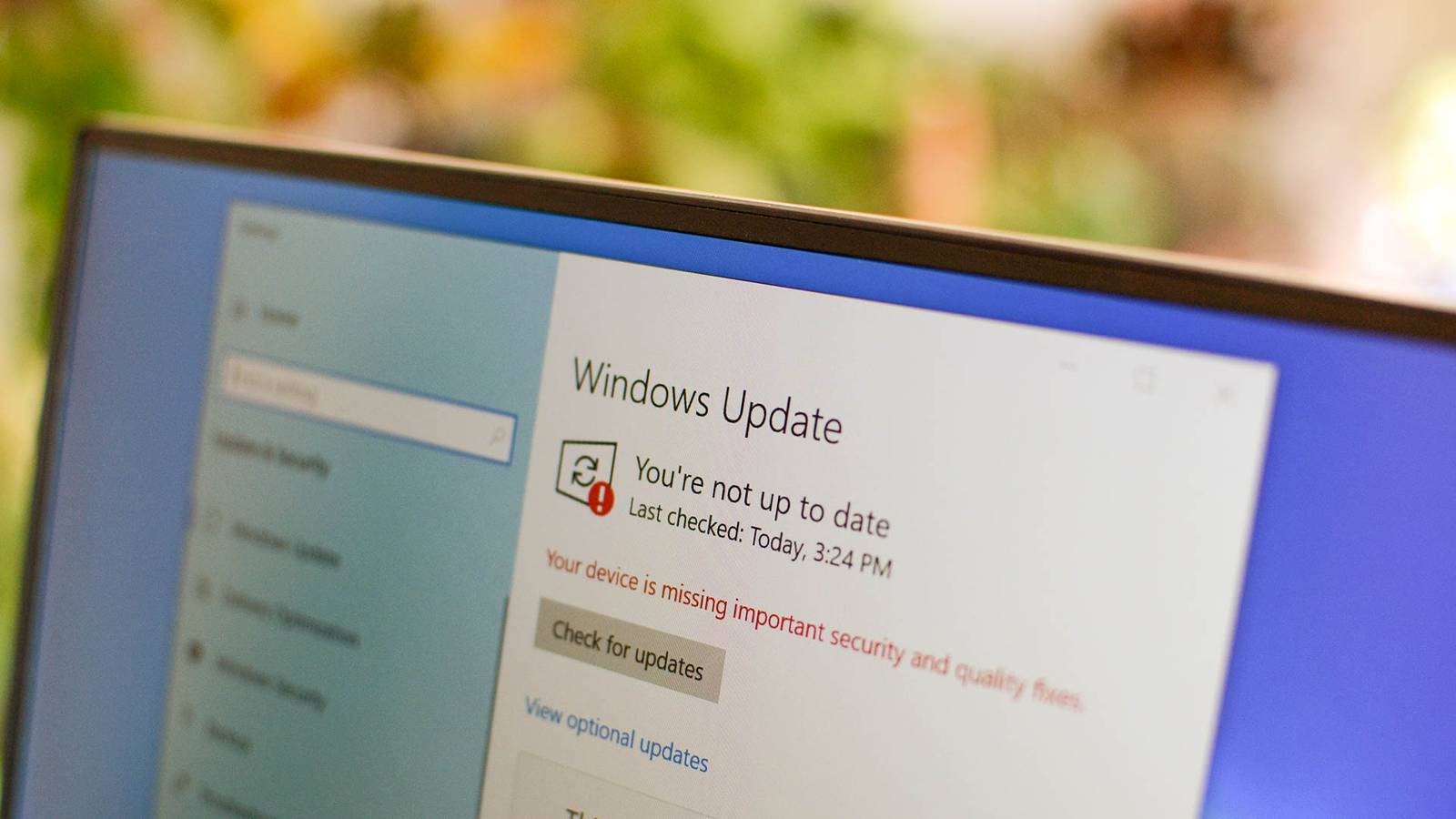
For years, Windows updates simply happened. Your PC downloaded them quietly, then restarted itself whether the timing suited you or not. Plenty of us grumbled about it. A piece published this week by How-To Geek argues that we should be careful what we wished for.
Microsoft has steadily handed update control back to the person at the keyboard. On current versions of Windows you can pause quality updates for up to 35 days, put off a major feature update for up to a year, and pick and choose which optional updates you install. That is genuinely useful if you have a machine running a critical job. It also means a computer only stays patched if somebody actually gets around to it.
That is the part that matters for a small business. When the choice is between meeting a deadline and restarting the office PCs, the deadline wins every time. Do that often enough and you end up with machines carrying holes that were fixed months ago. The article makes the point with WannaCry, the 2017 ransomware outbreak that tore through businesses worldwide: Microsoft had released the patch two months before the attack. The fix existed. It just had not been installed.
Attackers watch patch announcements too. Once a fix is public, the flaw it repairs is public as well, and anyone who has not applied it is a known target.
You do not need a big IT budget to stay on top of this. Three habits cover most of it:
- Pick a patch day. A fixed slot each month, outside business hours, so updates are planned rather than dodged.
- Check, do not assume. Walk the list of computers now and then. The one nobody uses much is usually the one that is furthest behind.
- Use the pause on purpose. Deferring an update for a week before a busy period is sensible. Deferring it indefinitely is not.
The same thinking applies to your phones, your router and anything else on the office network. Updates are only protection once they are installed.
Worried this affects your business? Get a free 15-minute IT check – call Trends IT on 0485 011 911 or visit /contact/.