

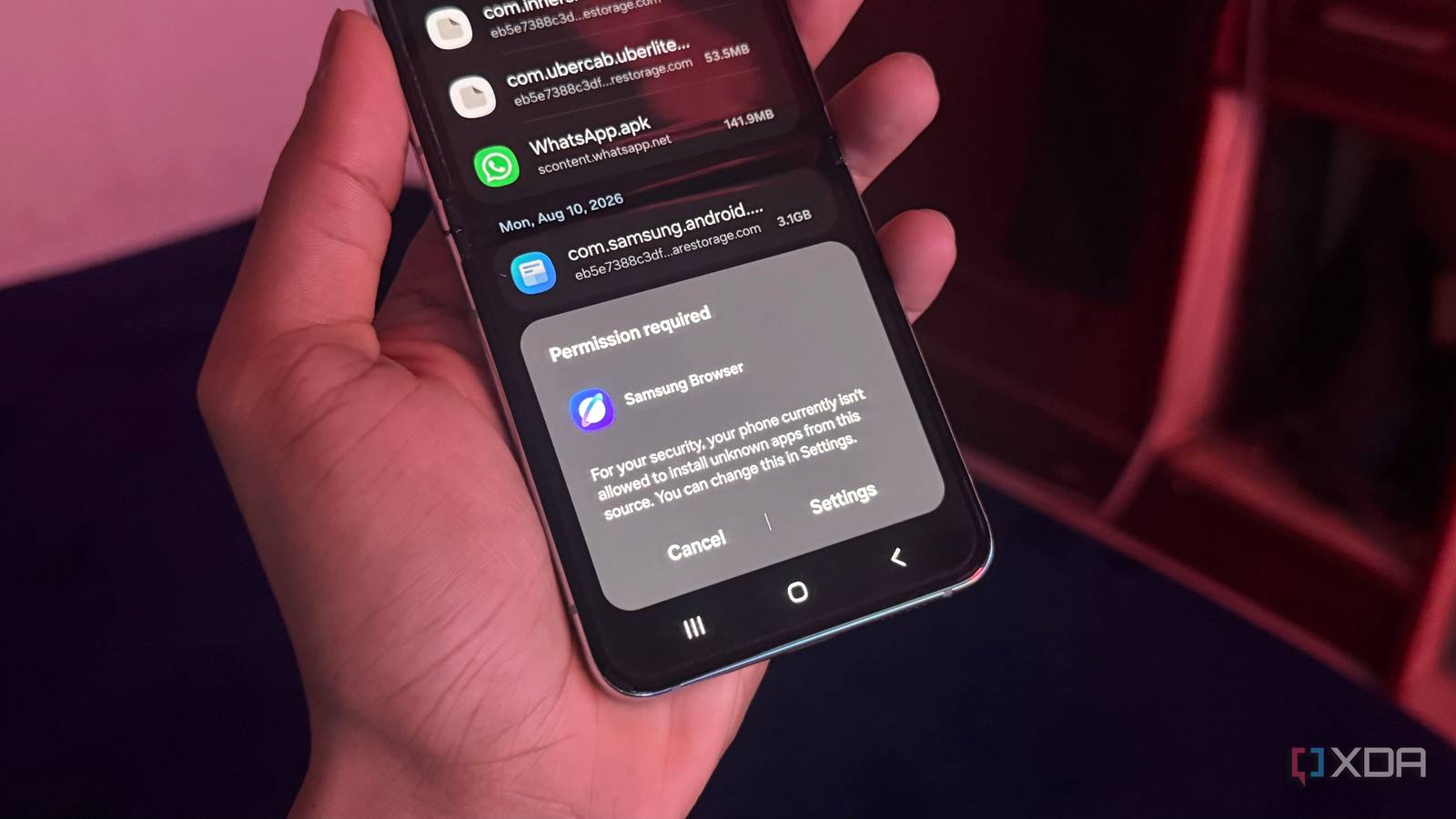
If anyone in your business installs Android apps from somewhere other than the Google Play Store, a change is coming that is worth a few minutes of your attention.
Google is tightening the rules around sideloading. Sideloading is simply installing an app straight from a file rather than through the Play Store. Until now Android has made this easy: the phone warns you that the app comes from an unknown source, and you tap past the warning. Technology site XDA argues the new rules could undermine what has long been one of Android’s biggest strengths, which is the freedom to install what you want on a device you own.
Why a small business should care
Plenty of businesses sideload without ever calling it that. It is the stocktake tool a developer built for you, the scanner app for the warehouse handsets, the supplier’s ordering app that never made it into the Play Store, the point of sale add-on that arrived as a file in an email. If any of that sounds familiar, the way those apps reach your devices may need to change.
There is a real safety argument on the other side. Most Android malware does not come from the Play Store. It arrives as an app a staff member was talked into installing, often after a text message or an email that looked urgent. That unknown source warning is frequently the last thing standing between a busy employee and a fake banking or delivery app.
Four things worth doing this week
- List every app on a work phone or tablet that did not come from the Play Store, and note who supplied it.
- Ask each of those suppliers what their plan is, so you are not surprised when an install stops working.
- Tell your team that any request to install an app from a link, a text or an email is a scam until proven otherwise. No legitimate supplier will rush you.
- If staff use their own phones for work, decide now who is allowed to install what, and write it down.
None of this needs to be a big project. It is mostly a list, a couple of phone calls, and one clear rule for your team.
Worried this affects your business? Get a free 15-minute IT check – call Trends IT on 0485 011 911 or visit /contact/.