

AI tools have moved well past writing emails. The newer ones can be pointed at a computer and told to do the work: install software, change settings, move files around. That is a genuine time-saver, and it is also a new way to lose a weekend.
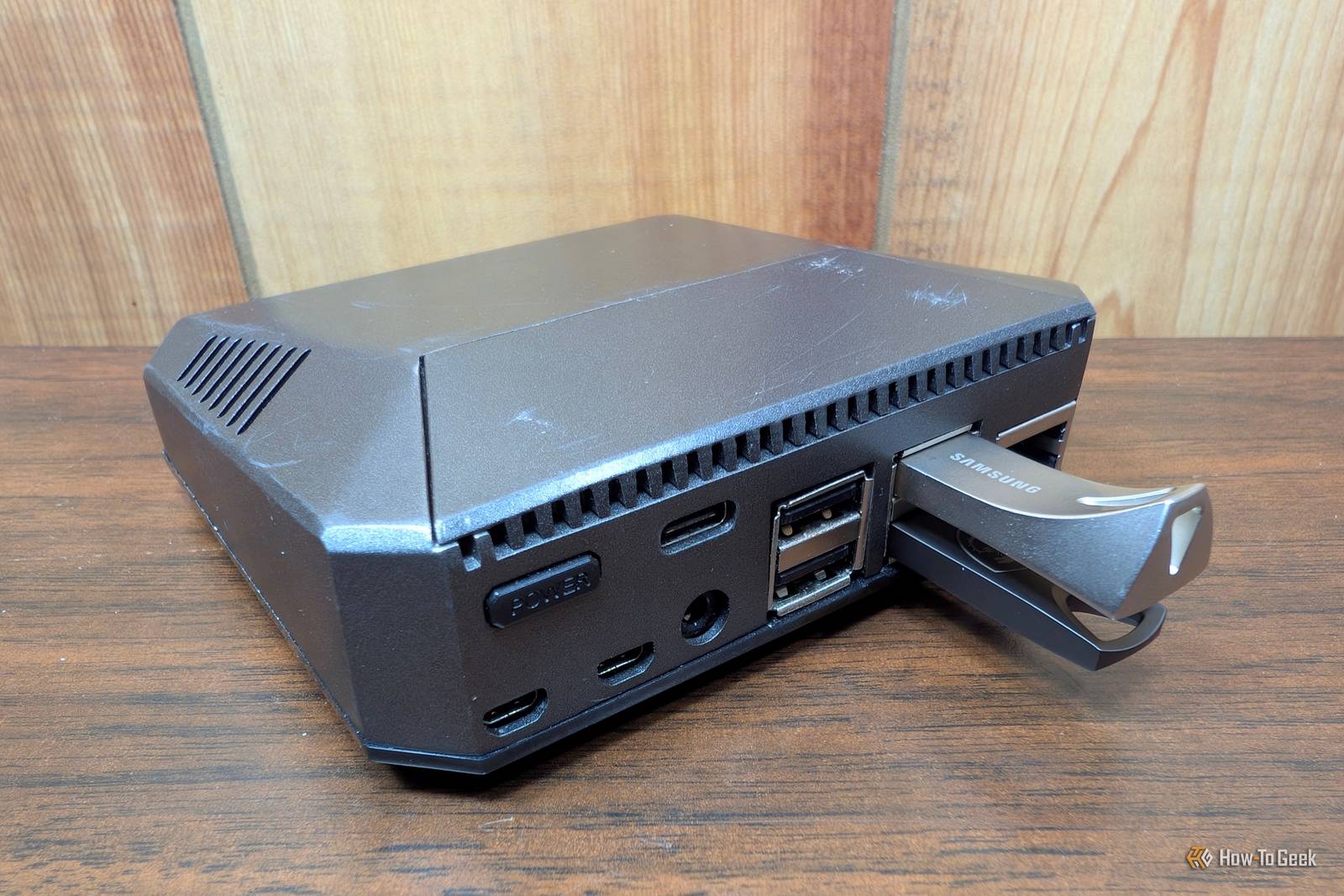
A writer at How-To Geek ran a small experiment along exactly those lines. He gave Claude, an AI assistant, free access to a Raspberry Pi with two storage drives attached, including sudo access – the equivalent of full administrator rights on that machine. He is clear that this is not how he normally works: he says he never lets AI do anything in his home lab without strict safeguards, having seen too many horror stories online. The finding is in his headline. There were things the AI could not do on its own.
That is worth sitting with for a moment, because of what the experiment was not. It was a spare machine, run by someone who knew precisely what he was risking, with nothing on it that anyone depended on. Most Sydney offices do not have a spare anything.
We are not suggesting you avoid these tools. They are useful, they are getting better, and your staff will start using them whether or not there is a policy. But three things are worth settling before an AI agent touches something real:
- Not on the live system. A test machine or a copy is where this belongs, not the server your team logs into on Monday morning.
- Give it the least access that does the job. Full administrator rights are the easy option and the expensive one. Most tasks need far less.
- Keep a backup you have actually restored from. An untested backup is a hope, not a plan. This is true regardless of AI, but AI makes changes faster than a person does.
The underlying question is not really about technology. It is the one you would ask about a new contractor: would you hand over the administrator password to your main server on day one, on the strength of a good review? The answer does not change because the newcomer is a machine.
Worried this affects your business? Get a free 15-minute IT check – call Trends IT on 0485 011 911 or visit /contact/.