

If your business website runs on WordPress, and a large share of small business sites do, this week is a good week to check it has been updated.
A serious flaw in WordPress itself, tracked as CVE-2026-87902, was made public this week. Security researchers report that attackers began scanning for vulnerable sites within hours. This is not a problem with one plugin or theme. It sits in the core WordPress software that every WordPress site runs.
What the flaw does
In plain terms, it can let someone who is not logged in trick a website into running files it should not. The reports rate it as high to critical severity (the published scores vary between sources), and in the worst case it could let an attacker take control of the site.
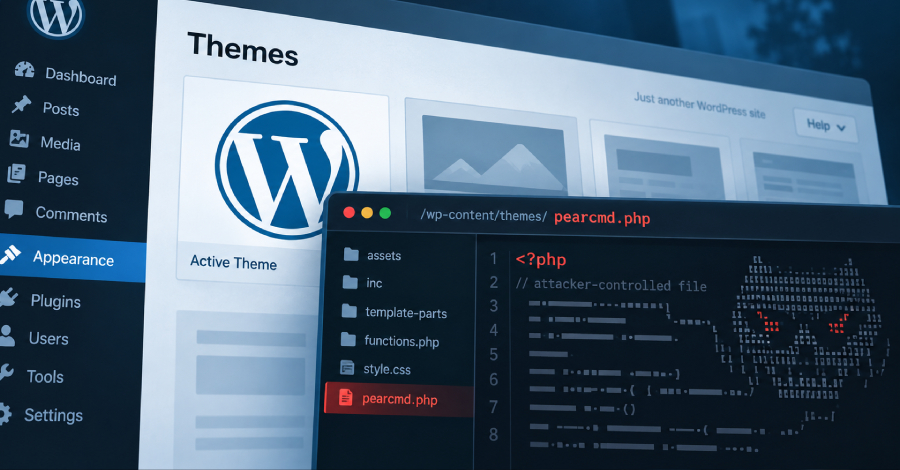
It is worth being precise about how far things have gone. Security firms have seen attackers probing sites and, more recently, trying to plant their own files on them. One report notes that a successful takeover through this flaw has not yet been confirmed. That is a warning to act now, not a reason to wait.
The good news: there is a fix
WordPress has released version 7.1.2 to close the hole, and has also back-ported the fix to older release lines going back to 4.7. For most sites this is a routine update.
What to do this week
- Check your WordPress version. Log in to your dashboard and look under Dashboard, then Updates. If an update is waiting, apply it.
- Ask whoever looks after your site. If a web designer or agency manages it, ask them to confirm in writing that it is patched.
- Have a recent backup first. Make sure you can restore the site if an update causes trouble.
- Look for anything odd. Unfamiliar admin users, strange pages or new files are signs worth having someone investigate.
Your website is often the first thing a customer sees. Keeping it patched protects your reputation as much as your data.
Worried this affects your business? Get a free 15-minute IT check – call Trends IT on 0485 011 911 or visit /contact/.