

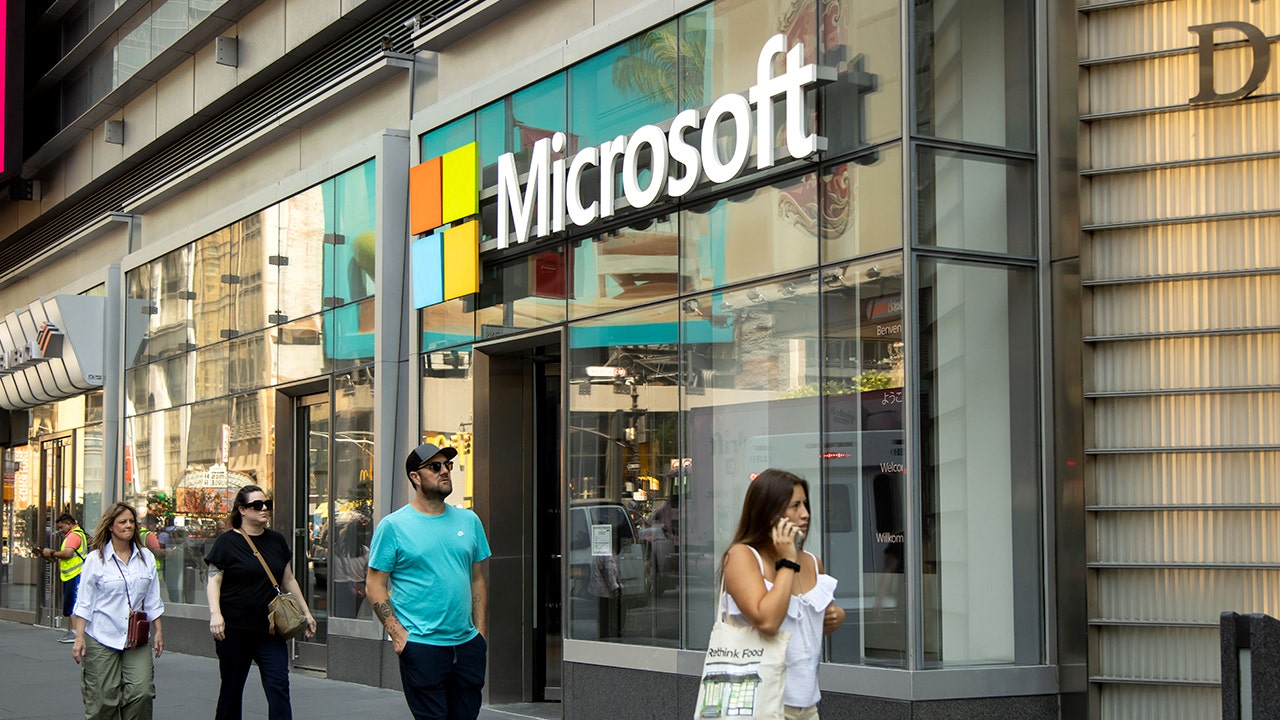
Most of us have a quick mental checklist for deciding whether something online is genuine. Is it the right account name? Is that the real company logo? Is there a verification badge? If all three line up, we tend to relax. Scammers know this, and they are counting on it.
What happened
Microsoft’s official account on X (formerly Twitter) is the latest example. According to reporting this week, attackers gained unauthorised access to the account and used it to promote what appears to have been a cryptocurrency pump-and-dump scheme. The account has more than 13 million followers, so whoever controlled it had a huge audience and all the credibility that comes with Microsoft’s name.
Why this matters to you
A verification badge tells you an account belonged to a particular person or organisation. It does not tell you who is typing right now. When a trusted account is taken over, every signal you normally rely on still looks correct, which is exactly what makes these scams so convincing.
A few habits help:
- Be suspicious of the out-of-character post. A big brand suddenly pushing a token, a giveaway or an urgent link is a red flag, badge or not.
- Check somewhere else. Look for the same announcement on the company’s own website or another official channel before you act.
- Never send money or log in from a social post. Go to the website directly by typing the address yourself.
Protect your own accounts too
The same thing can happen to a small business. If your Facebook, Instagram or LinkedIn page were taken over, your customers would see your name and logo on whatever the attacker posted. Turn on multi-factor authentication for every business social account, limit who has admin access, and remove people who no longer need it.
Worried this affects your business? Get a free 15-minute IT check – call Trends IT on 0485 011 911 or visit /contact/.