

If your business uses a WatchGuard firewall and staff connect from home with the WatchGuard VPN app, this one is worth five minutes of your time.
What happened
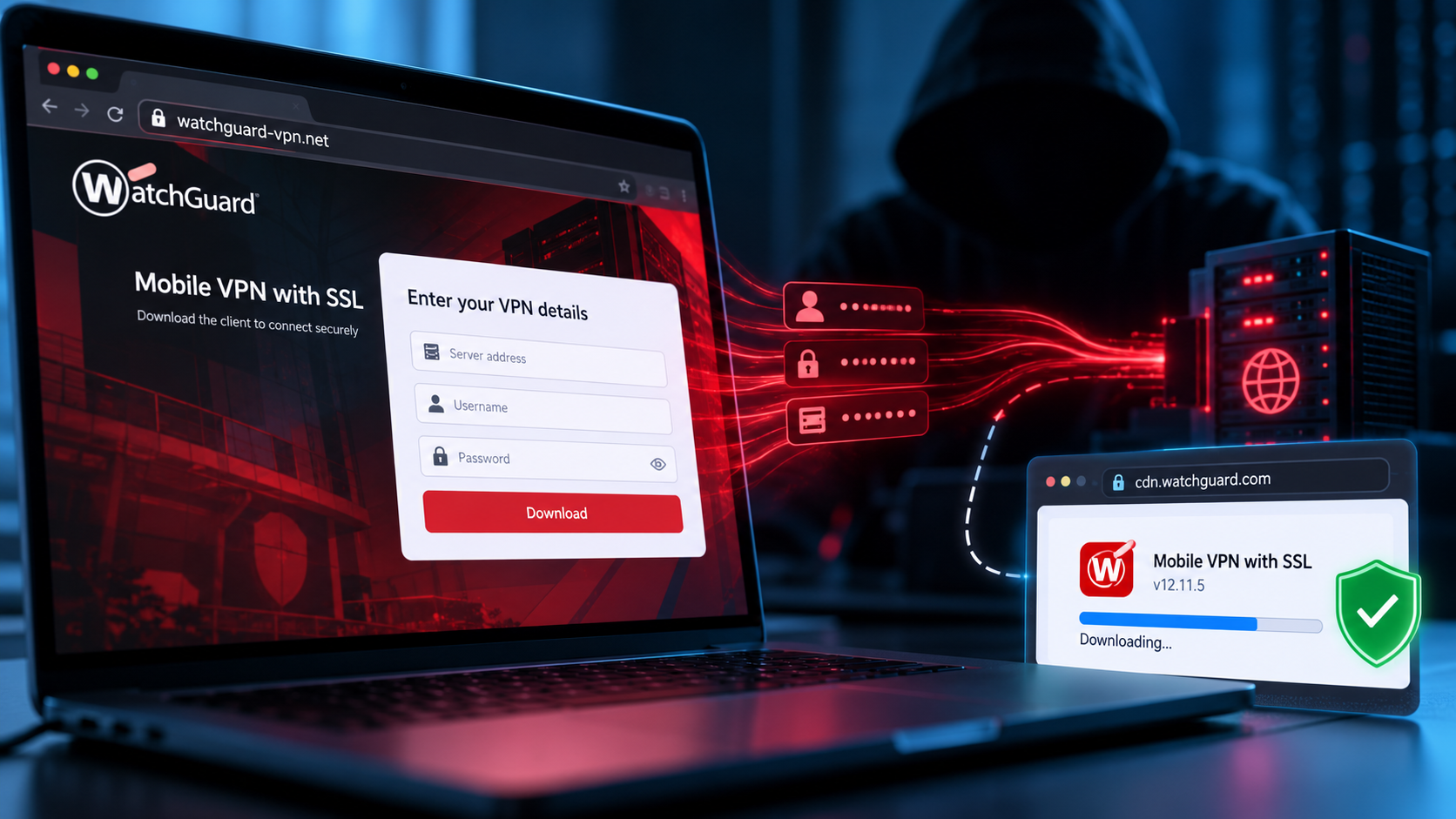
Security firm Huntress has uncovered a fake download page, set up on the lookalike address watchguard-vpn[.]net, that poses as the official download for WatchGuard’s Mobile VPN with SSL client. People land on it from search results. The page asks for their VPN username and password, keeps them, and then hands over the real, properly signed WatchGuard installer, downloaded straight from WatchGuard’s own servers.
That last part is the clever bit. Earlier versions of this campaign gave victims an installer with malware hidden inside, which security software has a chance of catching. This version contains no malware at all. The person gets a working VPN, nothing looks wrong, and antivirus has nothing to detect. The attacker simply walks away with a working login to your network.
The case Huntress investigated began on 7 October, when an administrator at an IT services company searched Bing for “watchguard vpn sll download” – typo included. Eight seconds later they had clicked through. If an IT professional can be caught this way, anyone can.
What to do
- Never download business software from a search result. Get it from a link your IT provider gives you, or bookmark the vendor’s real site once and use the bookmark.
- Turn on multi-factor authentication for your VPN. A stolen password is far less useful if the attacker also needs a code from a staff member’s phone.
- If someone recently installed the VPN app themselves, ask where they got it. If there is any doubt, change that person’s VPN password today.
- Check your firewall’s VPN logins for sign-ins at odd hours or from unfamiliar locations.
None of this is expensive, and most of it can be sorted in an afternoon.
Worried this affects your business? Get a free 15-minute IT check – call Trends IT on 0485 011 911 or visit /contact/.