

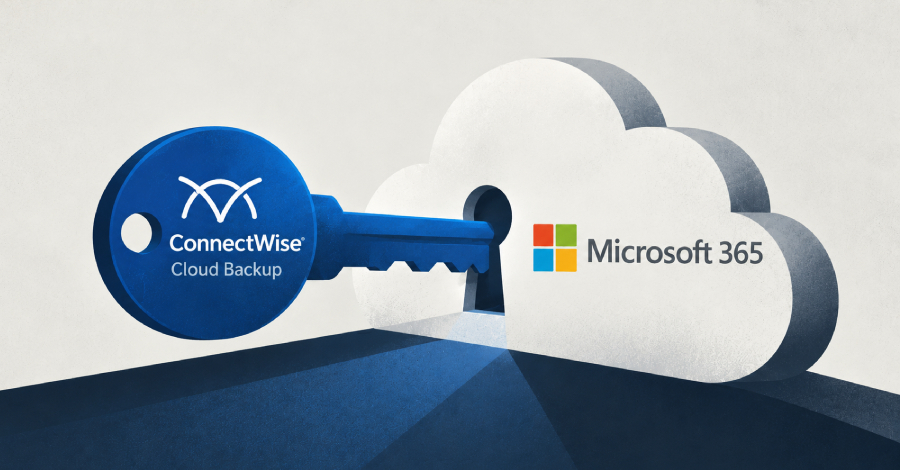
Most small businesses never think about the outside services that are plugged into their Microsoft 365 account. Backup tools, email filters and reporting apps often get broad, standing access to your mailboxes and files. That access is usually convenient. This week’s news shows it can also be a way in for attackers.
What happened
Security researchers are warning of an active campaign in which unknown attackers are abusing a compromised Microsoft 365 credential belonging to ConnectWise Cloud Backup, the service formerly known as SkyKick. They are using it to gain unauthorised access to customers’ Microsoft 365 environments. According to the report, the attackers have signed in to 173 Microsoft 365 tenants (a tenant is one organisation’s Microsoft 365 setup).
ConnectWise Cloud Backup is sold to managed service providers (MSPs), the IT companies that look after small businesses. So many affected businesses may not know the product is connected to their account at all. Their IT provider set it up for them.
Why this matters to you
The attackers did not need to trick your staff or guess a password. They came in through a connection that was already trusted. Multi-factor authentication on your own users does not stop that, because the attacker is not signing in as one of your users.
What to do this week
- Ask your IT provider directly: do we use ConnectWise Cloud Backup or SkyKick, and have you checked our account for this campaign?
- Review connected apps: in the Microsoft Entra admin centre, look at Enterprise applications and remove anything you no longer use or do not recognise.
- Check sign-in activity for third-party and service sign-ins you would not expect, and keep those logs long enough to look back.
- Keep a separate backup. If one service with access to your data is compromised, you want a copy it cannot reach.
None of this means you should drop cloud backup. It means every outside service with access to your data deserves the same attention as a staff login.
Worried this affects your business? Get a free 15-minute IT check – call Trends IT on 0485 011 911 or visit /contact/.