

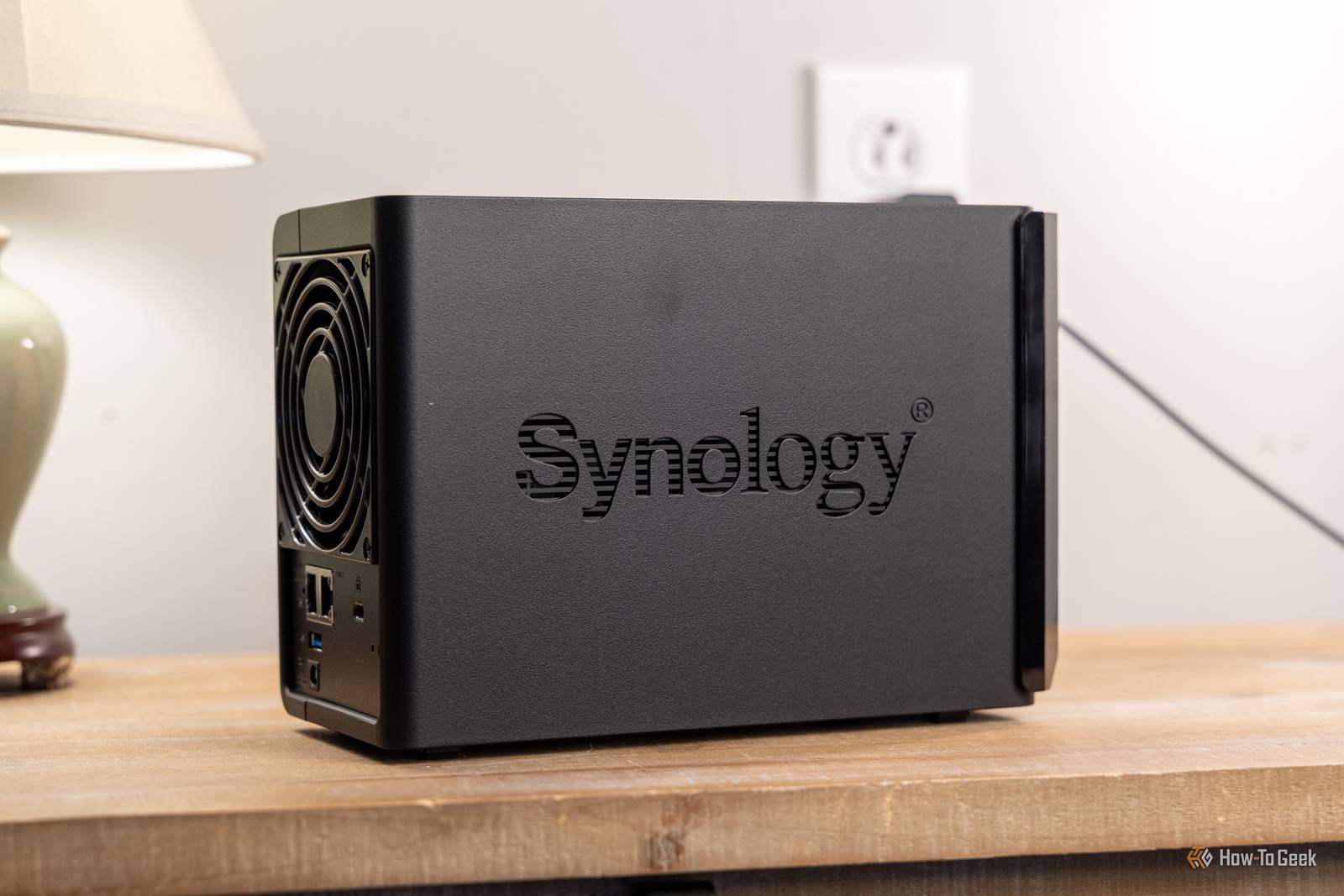
Many Sydney offices keep their shared files, scans and backups on a Synology NAS: the small storage box that sits in a cupboard and quietly does its job. That quiet is the problem. If nobody has updated it in a while, it may now be a target.
What has happened
Last month the developers of PHP, the software behind a large share of the web, released emergency fixes for two critical flaws nicknamed PHP2Shell. Synology confirmed that several of its NAS software packages were affected and has been releasing fixes since.
According to How-To Geek, Synology now reports that attackers are actively exploiting these flaws, and the US cybersecurity agency CISA has added them to its list of known exploited vulnerabilities. Separately, Synology has found a ransomware campaign aimed at NAS units running outdated versions of its operating system, DiskStation Manager (DSM). In response it is extending security fixes to older DSM versions, not just the current one.
Security researchers quoted by TechRadar have also confirmed the first successful PHP2Shell break-ins elsewhere, where attackers moved from the first foothold to attacking the wider network within minutes.
What to do this week
- Find out what you have. Log in to the NAS and note the DSM version under Control Panel, Info Center.
- Update DSM and every installed package. Check Synology’s security advisories for your model, including older units that you may have assumed were no longer supported.
- Keep it off the internet. If the NAS can be reached from outside the office, ask whether it really needs to be. Remote access through a VPN is far safer.
- Check your backups. A copy of your data stored somewhere other than the NAS is what saves you if ransomware gets in.
If you are not sure who looks after your NAS, that alone is worth fixing.
Worried this affects your business? Get a free 15-minute IT check – call Trends IT on 0485 011 911 or visit /contact/.