

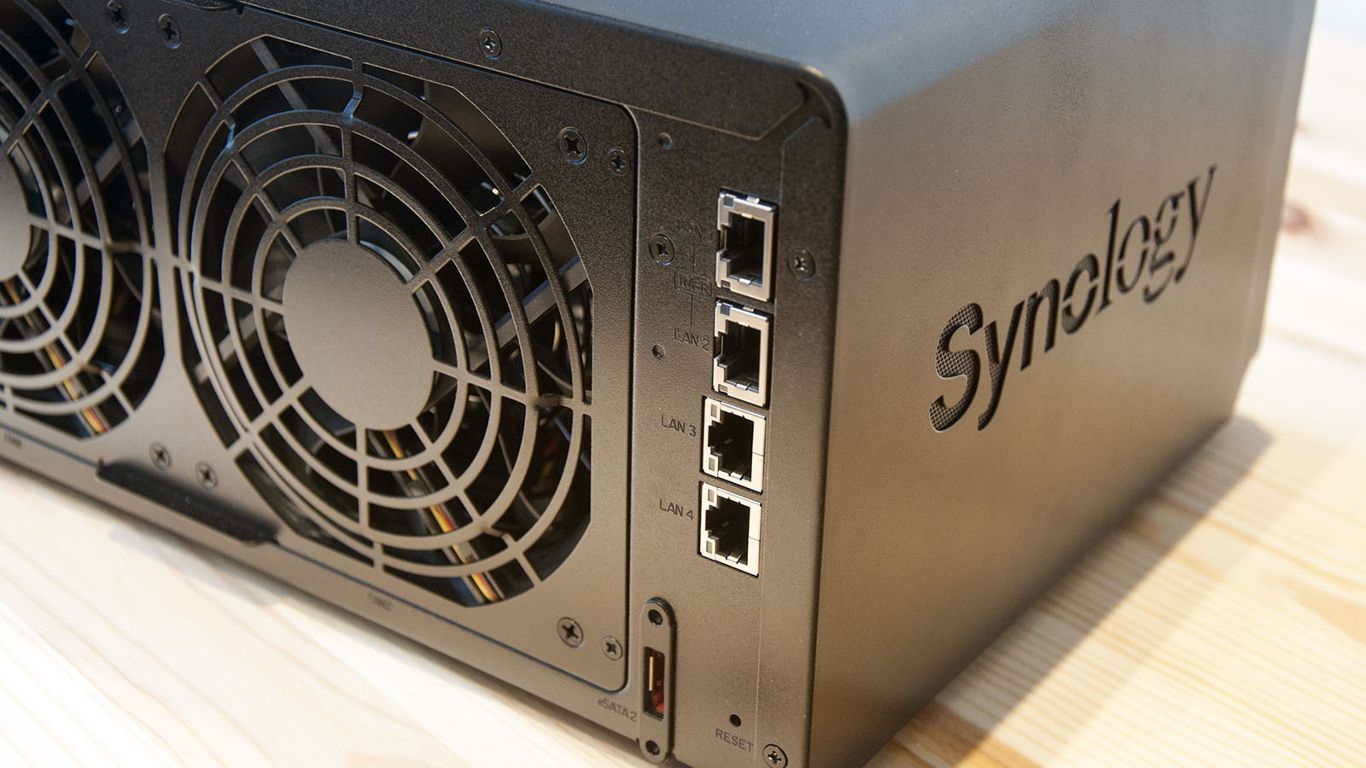
Many small offices keep their shared files, scans and backups on a Synology NAS – the small storage box that often sits quietly in a cupboard. Synology has now warned that criminals are actively attacking these devices when their software has not been kept up to date.
What has happened
In a short statement, Synology said it has identified attackers exploiting a security flaw in its DiskStation Manager (DSM) software. The important detail: that flaw was fixed back in December 2024. The devices being hit are the ones still running older versions of DSM that never received the update.
According to Synology, the goal of the attacks is to encrypt the data on the device and demand a ransom. TechRadar reports the attackers are using ransomware known as C3rb3r and asking for thousands of dollars to unlock files.
Why this matters for a small business
A NAS often holds exactly the files you cannot work without – client records, invoices, job files and, in many offices, the backups themselves. If the backup lives on the same box that gets encrypted, you may have nothing to restore from.
This is not a brand new, unstoppable attack. It works because a fix has been available for almost two years and some devices were never updated. That makes it very preventable.
What to do this week
- Check your DSM version. Log in to the NAS and install the latest available DSM update. If nobody knows the login, that is a warning sign in itself.
- Keep it off the open internet. Users are being urged to restrict internet exposure. If staff need remote access, use a VPN rather than opening the NAS directly to the internet.
- Lock down access. Use strong, unique admin logins, turn on two-step sign-in, and remove old user accounts.
- Keep a backup somewhere else. Make sure at least one copy of your important data is stored off the NAS, ideally offline or in the cloud, and test that you can restore it.
- Check older models. If your NAS is too old to get current DSM updates, plan to replace it.
Worried this affects your business? Get a free 15-minute IT check – call Trends IT on 0485 011 911 or visit /contact/.