

Most businesses trust Windows Update to keep their PCs safe. This week is a good reminder that it does not cover everything.
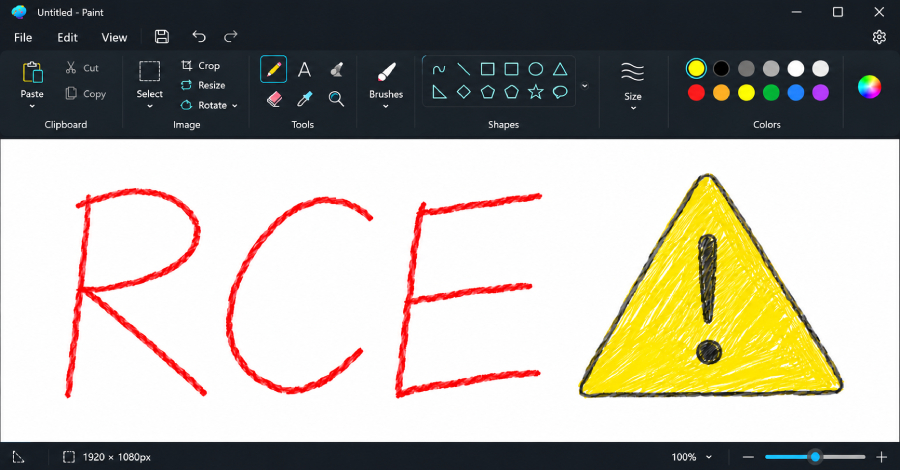
Microsoft has fixed a high-severity security flaw in Paint, the simple drawing app built into Windows. The flaw, tracked as CVE-2026-83844, is rated 8.1 out of 10. According to reports, it could let an attacker run their own code on a PC using a specially crafted image file. PCWorld describes it as a flaw that does not even need the user to click anything.
The catch: the fix is not in Windows Update
Paint is now updated through the Microsoft Store, not through Windows Update. That means a PC can show as fully up to date in Windows Update and still be running the vulnerable version of Paint.
PCWorld reports that Microsoft released the fix in October, but some PCs never received it and were still on the older version (11.2603.251.0). The Hacker News reports that the fixed version, 11.2609.401.0, is now available in the Store, while TechRadar notes some users had trouble getting it at first.
What to do this week
- Check the version. Open Paint, select the settings (gear) icon and look at the version number. You want 11.2609.401.0 or later.
- Update from the Store. Open the Microsoft Store, go to Library, and select Get updates.
- Check your policies. If your business blocks the Microsoft Store or manages PCs centrally, Store apps like Paint may never update on their own. Make sure your device management covers them.
- Be wary of unexpected images. Treat image files from unknown senders with the same caution as any other attachment.
The bigger lesson
Modern Windows gets updates from more than one place. Built-in apps such as Paint, Notepad and the Photos app increasingly update through the Store, so a patching routine that only watches Windows Update has blind spots. A quick review of how your PCs actually receive updates can close gaps like this one before they are used against you.
Worried this affects your business? Get a free 15-minute IT check – call Trends IT on 0485 011 911 or visit /contact/.