

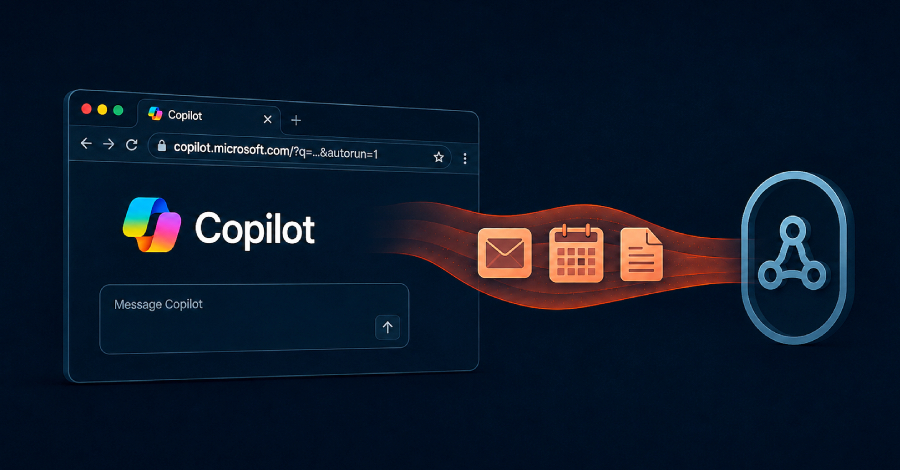
Microsoft has patched a flaw in its free consumer Copilot assistant that let a single click on a genuine-looking Microsoft link quietly hand over a person’s email, calendar and files. It is a useful reminder for any business where staff use consumer AI tools alongside their work accounts.
What happened
Researchers at Varonis Threat Labs found that a crafted Copilot link could carry an attacker’s instructions and run them automatically as soon as the page loaded, inside the victim’s own signed-in session. The attack, which the researchers called CoSnitch, combined an undocumented setting with the normal parameter Copilot uses to carry a question, so no approval prompt appeared and nothing looked out of place.
Because the instructions ran as the signed-in user, they could reach whatever that person had connected to Copilot: message bodies, subject lines and sender details from a linked mail account, calendar titles, times and attendees, file names from cloud storage, earlier chat history, and any saved instructions in Copilot’s memory. The researchers noted the instructions kept running even if the victim closed the tab straight away.
The flaw affected Copilot Personal, the consumer assistant at copilot.microsoft.com. Varonis reported it to Microsoft in December 2025, Microsoft shipped a fix on 18 August 2026, and Varonis found no evidence it was ever used against real people.
Why it matters for your business
The fix is already in place, so there is nothing to install. The lesson is about the pattern, not this one bug. Consumer AI assistants are quick to sign up for and easy to connect to a mailbox or a cloud drive, and once connected they can read everything that account can read. Staff often do this with the best intentions and without telling anyone.
Three practical steps:
- Ask which AI tools your team actually uses, and what each one is connected to.
- Disconnect any app links that are not genuinely needed.
- Treat a pre-filled AI prompt in a link the same way you treat an unexpected attachment: read it before you let it run.
Worried this affects your business? Get a free 15-minute IT check – call Trends IT on 0485 011 911 or visit /contact/.