

When a Hard Drive Fails Without Warning
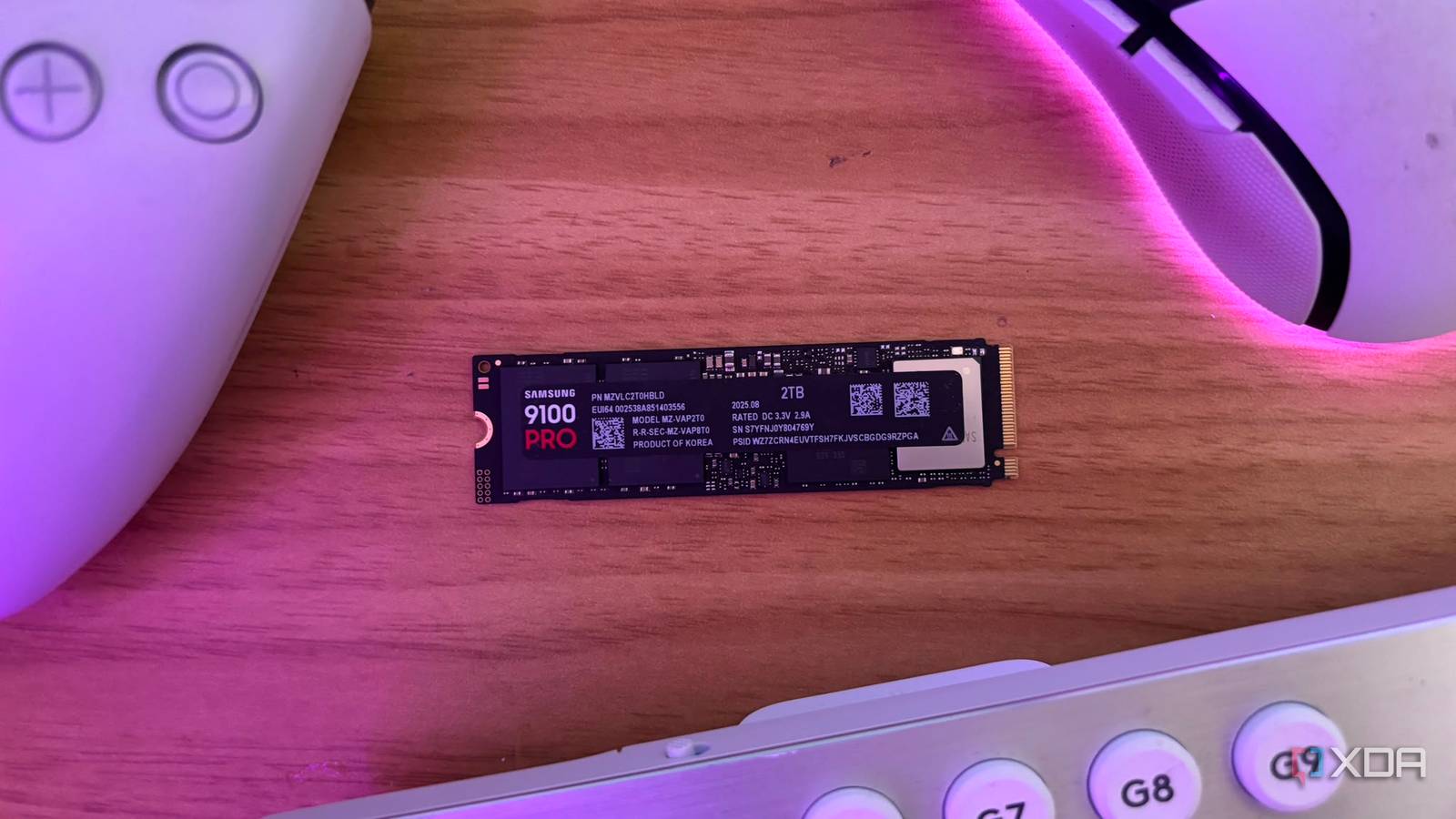
One tech writer recently powered on their PC to a blue screen reading “INACCESSIBLE_BOOT_DEVICE” – a stop code meaning the machine could no longer read its own boot drive. After getting back in via Safe Mode, they ran a drive-monitoring tool and found the SSD was close to complete failure, putting roughly 4TB of data at risk. It’s a reminder that solid-state drives don’t fail gracefully – they can go from “working fine” to “gone” with almost no notice.
For a small business, that drive might hold your accounting files, client records, quotes, or years of correspondence. If it’s the machine running your point-of-sale, booking system, or shared files, a dead drive can mean a day or more of downtime on top of the data loss.
What You Can Do About It
- Check drive health, not just free space. Free tools such as CrystalDiskInfo read a drive’s built-in self-monitoring data – how much of its rated lifespan is used, and how many spare blocks remain – and will flag a drive heading for trouble.
- Back up separately from the machine. A backup sitting on the same failing drive, or only in a local folder, won’t survive a boot failure. Use a second device or a cloud backup that runs automatically.
- Don’t wait for a warning. Older drives, and drives constantly writing large files such as video or databases, wear out faster. A yearly health check takes minutes and can save days of recovery work.
Worried this affects your business? Get a free 15-minute IT check – call Trends IT on 0485 011 911 or visit /contact/.