

Most Sydney offices have a smart TV somewhere. Reception, the meeting room, the staff kitchen. It gets plugged in, joined to the office Wi-Fi, and then forgotten about for years. New research suggests that screen is worth a second look.
Hardware testing outlets Gamers Nexus and Level1Techs, working with independent security researchers, captured the network traffic of retail LG OLED televisions, including the G5 model. They used Wireshark, a standard tool that records what a device actually sends over the network rather than what the manual says it sends.
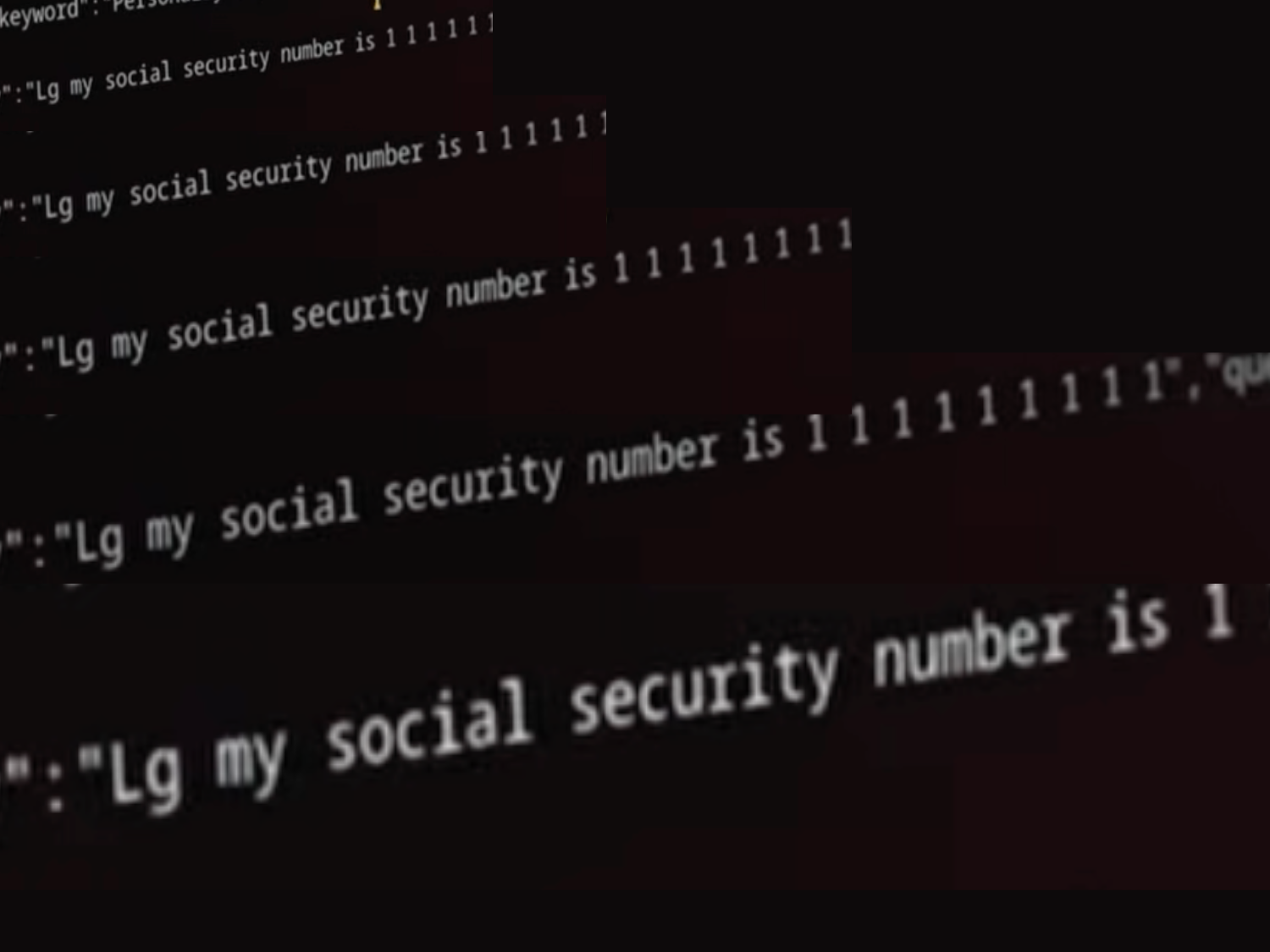
What they recorded is worth knowing. The televisions scanned the local network for other equipment, including phones and smartwatches, and collected internal IP addresses. They also logged the names and signal strengths of nearby Wi-Fi networks along with location data. The sets run Automated Content Recognition, which logs what is on screen across inputs. In testing, a television captured clear microphone audio while the screen appeared to be off in standby, and when the researchers pulled out the network cable it kept saving voice input locally and uploaded the stored files once the connection came back.
The researchers also reported remote code execution flaws in webOS, LG’s television software, through a responsible disclosure process. LG had not commented publicly when the findings were written up.
Two things are worth being clear about. This is measured behaviour of a product, not a break-in at anyone’s business, and there is no suggestion any company has been attacked through its reception TV. But it does change how you should think about that screen. A device that quietly maps everything on your network, sitting on the same Wi-Fi as the machine that runs your accounts and holds your customer records, is not a passive appliance.
The fix is not complicated and does not mean throwing the television out. Put TVs, cameras and other smart gear on a separate guest or IoT network so they cannot see your business computers. If a screen only ever shows a slideshow or a dashboard, it does not need to be online at all. And keep its software updated, because flaws like those webOS ones get patched the same way everything else does.
Worried this affects your business? Get a free 15-minute IT check – call Trends IT on 0485 011 911 or visit /contact/.